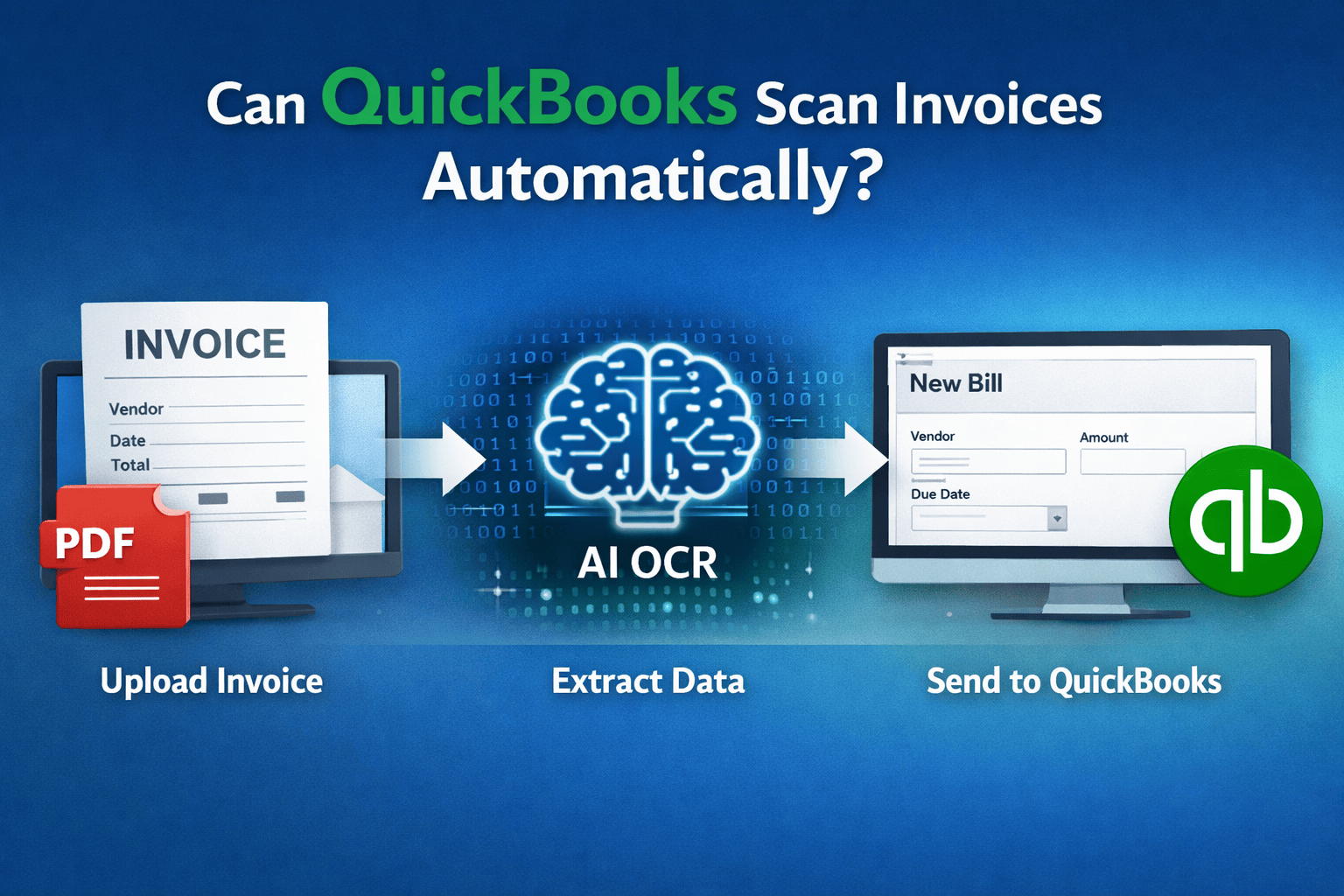
 Can QuickBooks Scan Invoices Automatically?
Can QuickBooks Scan Invoices Automatically?
Many small businesses rely on QuickBooks Online for accounting, but when it comes to handling invoices, a common question arises:
Can QuickBooks automatically scan invoices and extract the data?
If you receive dozens of supplier invoices each month, manual entry can quickly become time-consuming. Understanding what QuickBooks can and cannot do with invoices helps businesses choose the right workflow.
Short answer
QuickBooks Online cannot fully scan invoices automatically.
You can attach invoices or upload receipts, but QuickBooks generally does not extract invoice data from PDFs reliably.
This means that most users still need to manually enter information such as:
- vendor name
- invoice number
- total amount
- tax amounts
- due date
For businesses processing many invoices each month, this manual work adds up quickly.
How QuickBooks handles invoice attachments
QuickBooks Online allows users to attach documents to transactions. For example, you can:
- upload PDF invoices to bills
- attach receipts to expenses
- store supplier documents for record keeping
This is useful for documentation and audit trails, but it does not automatically convert the invoice into structured accounting data.
Typical workflow in QuickBooks:
- Create a new bill
- Manually enter invoice details
- Attach the invoice PDF
- Save the transaction
While this keeps documents organized, the data entry step remains manual.
Limitations of built-in receipt capture
QuickBooks includes a feature called receipt capture, which can read some basic receipt information.
However, this functionality has several limitations:
- primarily designed for simple receipts
- inconsistent with complex invoices
- struggles with multi-page documents
- may require manual corrections
Invoices from suppliers often contain more detailed information such as line items, taxes, and multiple totals. Because of this complexity, many businesses find that QuickBooks alone cannot automate invoice processing effectively.
How invoice OCR tools solve the problem
This is where invoice OCR technology becomes useful.
OCR (Optical Character Recognition) tools scan invoices and extract structured information such as:
- supplier name
- invoice date
- invoice number
- subtotal and tax
- total amount
The extracted data can then be automatically sent into QuickBooks as a bill or expense transaction.
For small businesses, this can significantly reduce bookkeeping time.
A typical automated workflow looks like this:
upload invoice -> OCR extracts data -> bill created in QuickBooks
Instead of manually typing invoice information, the system reads the document and fills in the fields automatically.
Tools like BillBjorn focus specifically on this workflow by providing fast AI-powered invoice OCR designed for QuickBooks users.
Step-by-step workflow
Here is an example of how automated invoice scanning works with an OCR tool:
1. Upload the invoice
Upload a PDF invoice or receipt through a web interface or email.
2. Extract invoice data
The OCR system reads the document and extracts important fields such as:
- vendor
- invoice number
- totals
- tax amounts
3. Review extracted data
You quickly review the extracted data to ensure accuracy.
4. Send to QuickBooks
The system creates a bill or expense transaction in QuickBooks Online, saving you from manual data entry.
For businesses handling multiple invoices each week, this process can save hours of bookkeeping work.
Automating invoice entry allows business owners to spend less time on administrative tasks and more time running their business.
👉 Learn more at billbjorn.com

Frequently asked questions
Here are answers to common questions about QuickBooks Online. For more details, check our knowledge base.
Can QuickBooks Online automatically scan invoices?
QuickBooks Online allows you to attach invoices and receipts to transactions, but it does not reliably extract invoice data automatically from PDFs. Most businesses still need to manually enter details like vendor, total, and date unless they use an OCR automation tool.
Does QuickBooks have built-in OCR for invoices?
QuickBooks includes basic receipt capture functionality, but it is limited and mainly designed for simple receipts. For invoices and supplier bills, many businesses use dedicated OCR tools to extract data and send it to QuickBooks automatically.
What is invoice OCR?
Invoice OCR (Optical Character Recognition) is a technology that reads text from invoices and receipts, such as vendor name, date, totals, and tax amounts. The extracted data can then be automatically transferred into accounting software like QuickBooks.
Can I upload PDF invoices into QuickBooks Online?
Yes, QuickBooks Online allows you to upload PDF invoices as attachments to bills or transactions. However, the information from the invoice is not automatically extracted, so you typically need to enter the invoice data manually.
What is the fastest way to enter invoices into QuickBooks?
The fastest method is to use an invoice OCR tool that scans invoices and automatically creates bills in QuickBooks. This eliminates manual typing and significantly reduces bookkeeping time.
Do small businesses use invoice scanning tools with QuickBooks?
Yes. Many small businesses and bookkeepers use invoice OCR tools alongside QuickBooks to automate data entry, reduce errors, and speed up their accounts payable workflow.