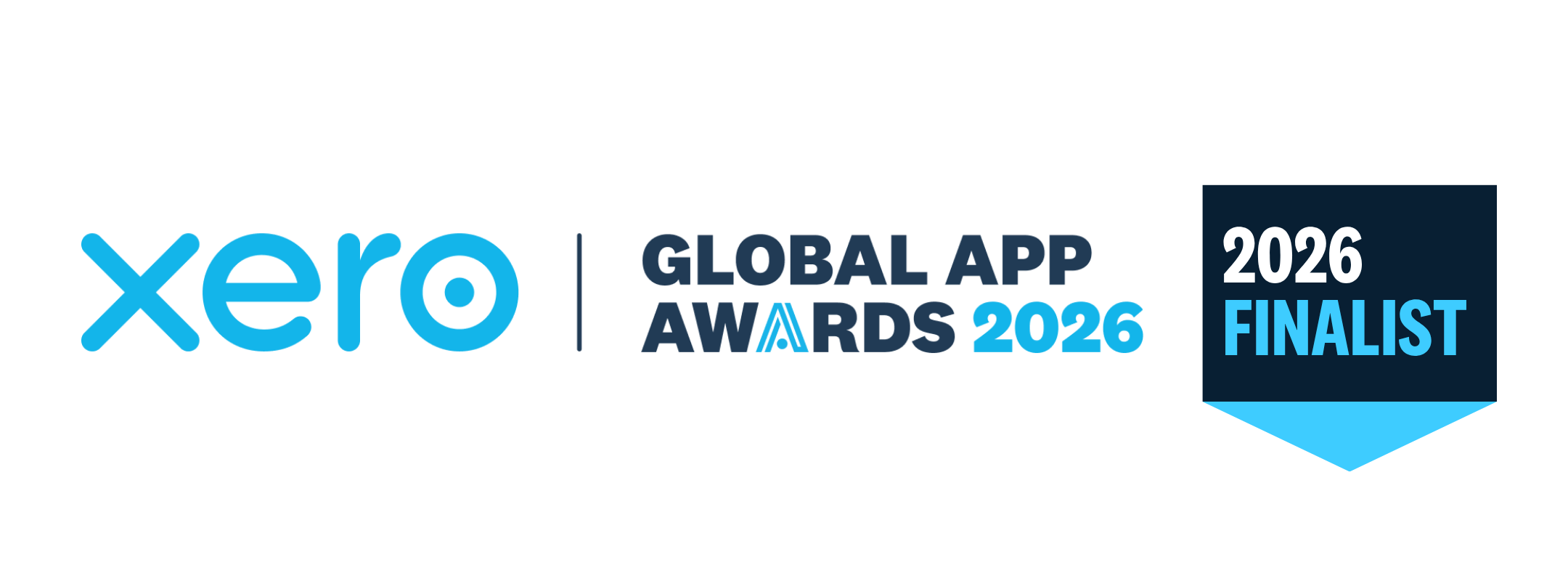
BillBjorn Returns as a Finalist in the Xero Global App Awards 2026
BillBjorn has again been named a finalist in the Xero Global App Awards, this time for IE Practice App of the Year.
Trusted Partner App for Leading Cloud-Based Accounting Software



Save time and reduce errors by automating your invoice scanning. Put your bill and receipt processing on autopilot - no hassle, no wasted time.
Start Your Free 30-Day Trial NowLearn how to grow your business by automating your invoices scanning and data entry.
BillBjorn has again been named a finalist in the Xero Global App Awards, this time for IE Practice App of the Year.
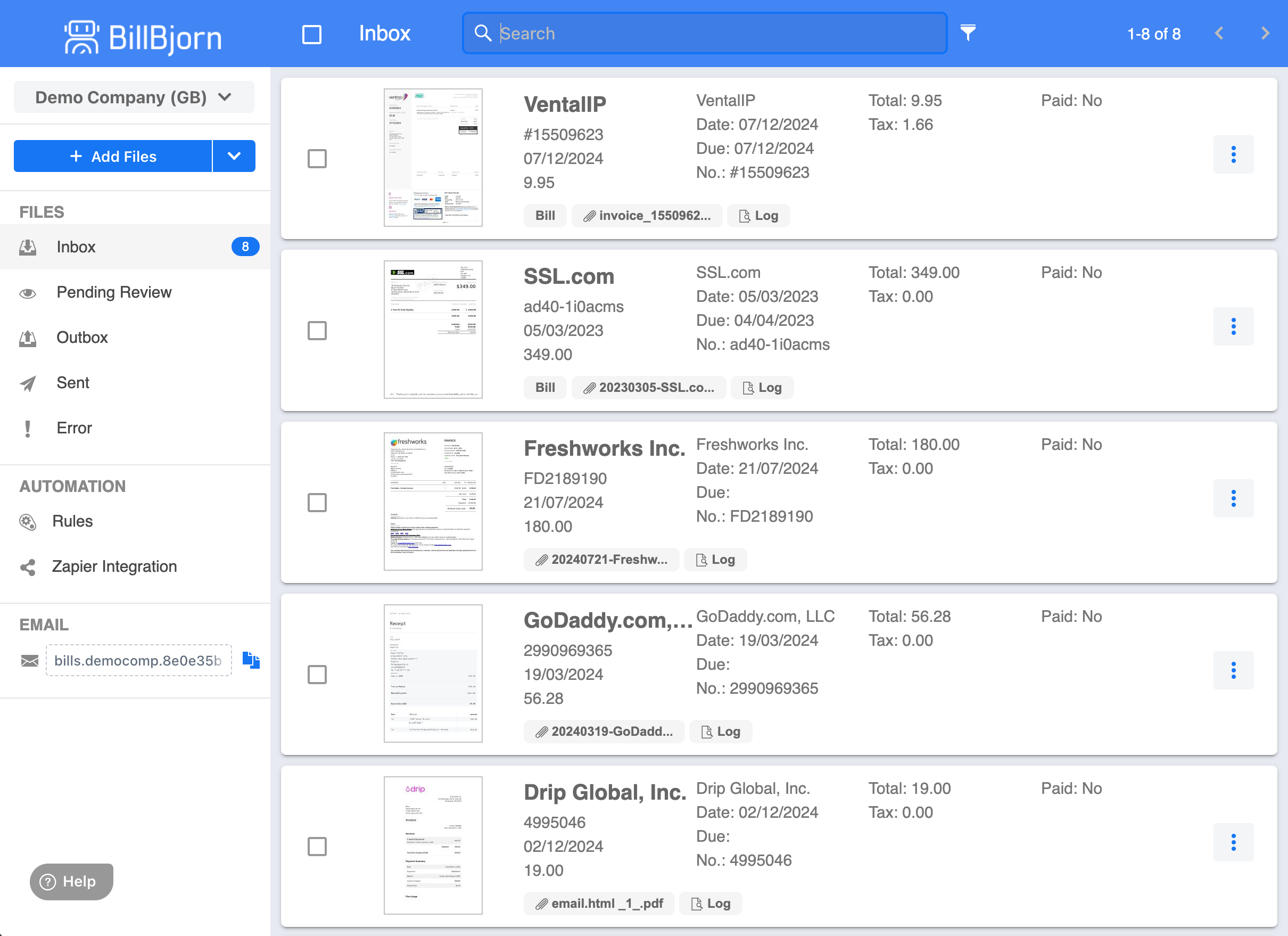
Forward supplier invoices from Gmail or Outlook to a dedicated BillBjorn email address, extract the data with AI, then review and export bills to QuickBooks Online or Xero.
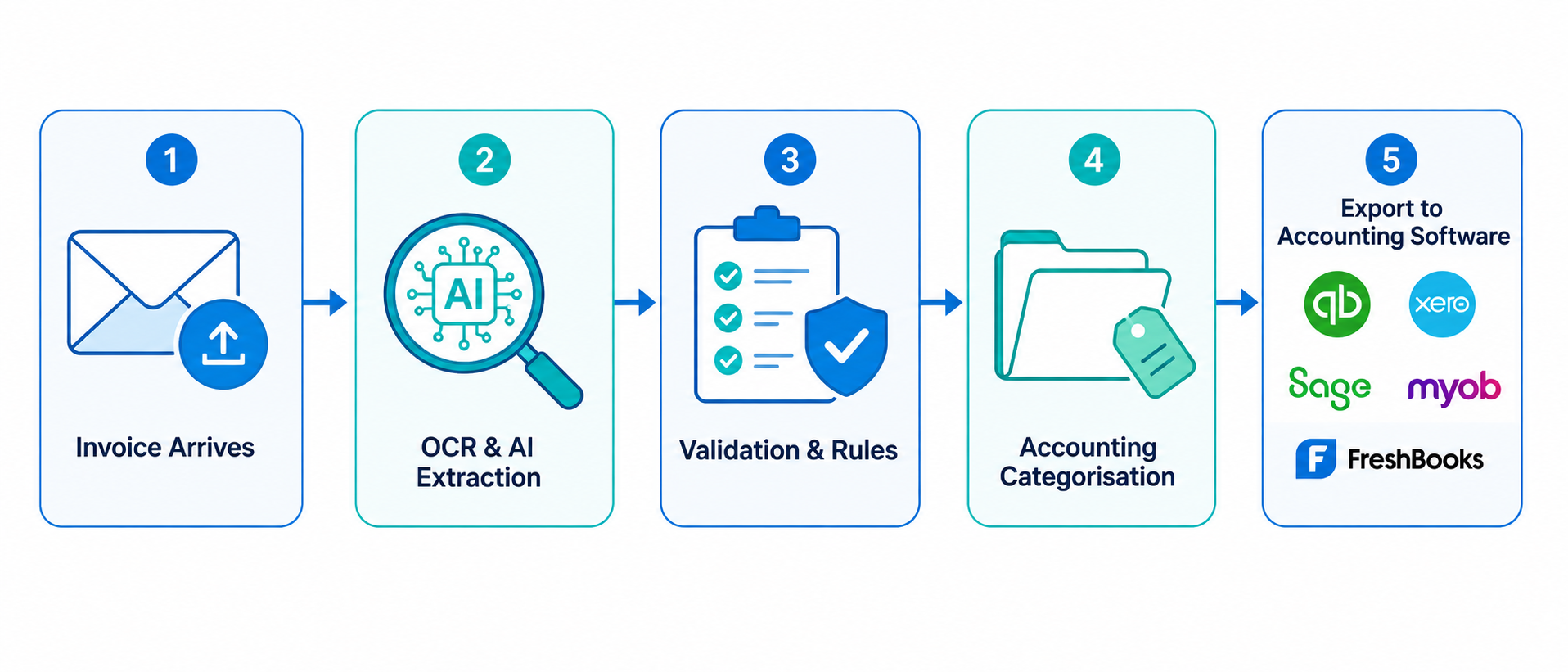
Learn how AI invoice data entry extracts supplier details, dates, tax, totals and line items, then sends the data directly to accounting software.
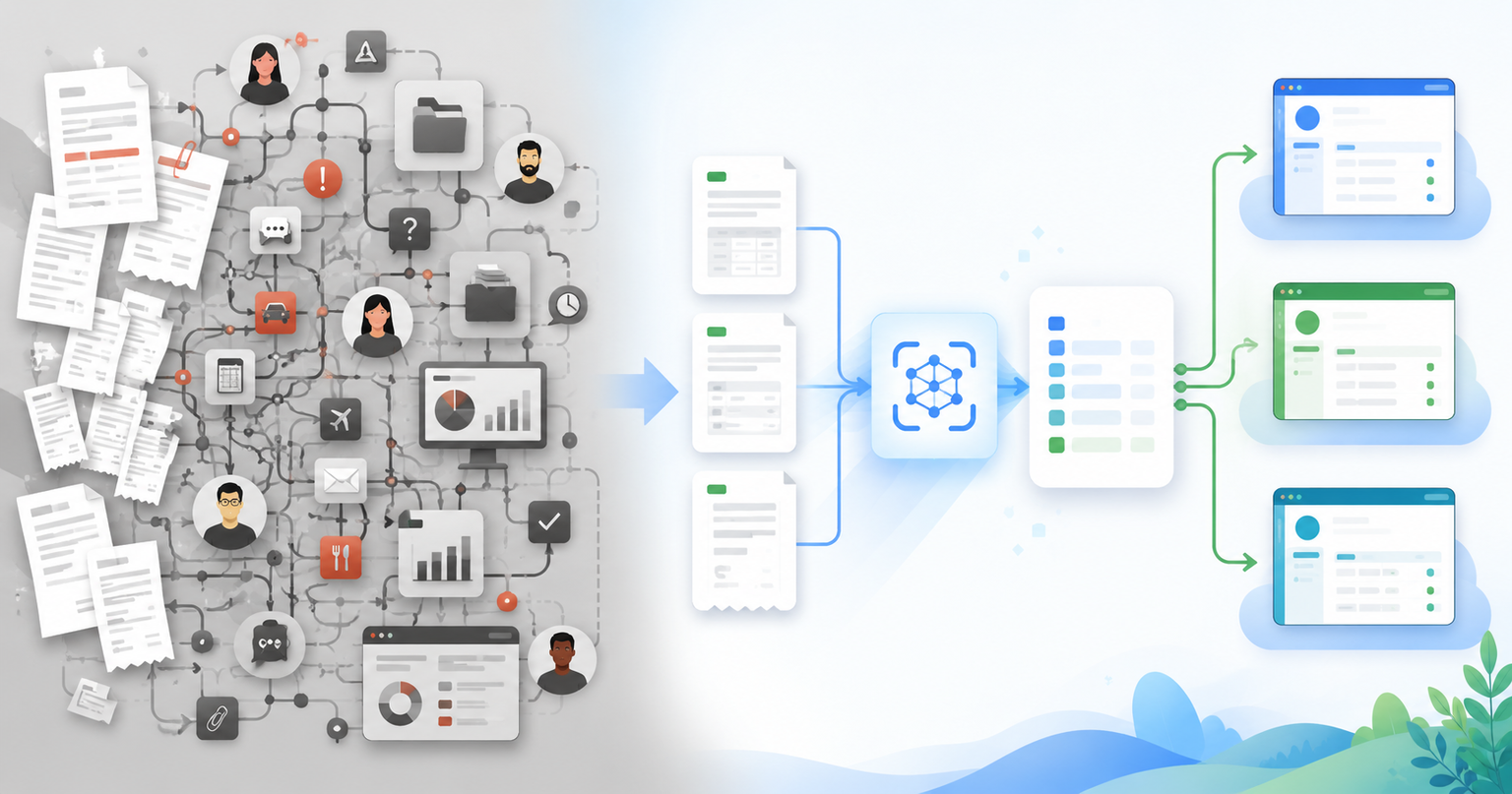
Comparing BillBjorn and Dext for invoice scanning? BillBjorn is a focused, affordable Dext alternative for small businesses and bookkeepers who need accurate OCR without the complexity of a full practice management platform.
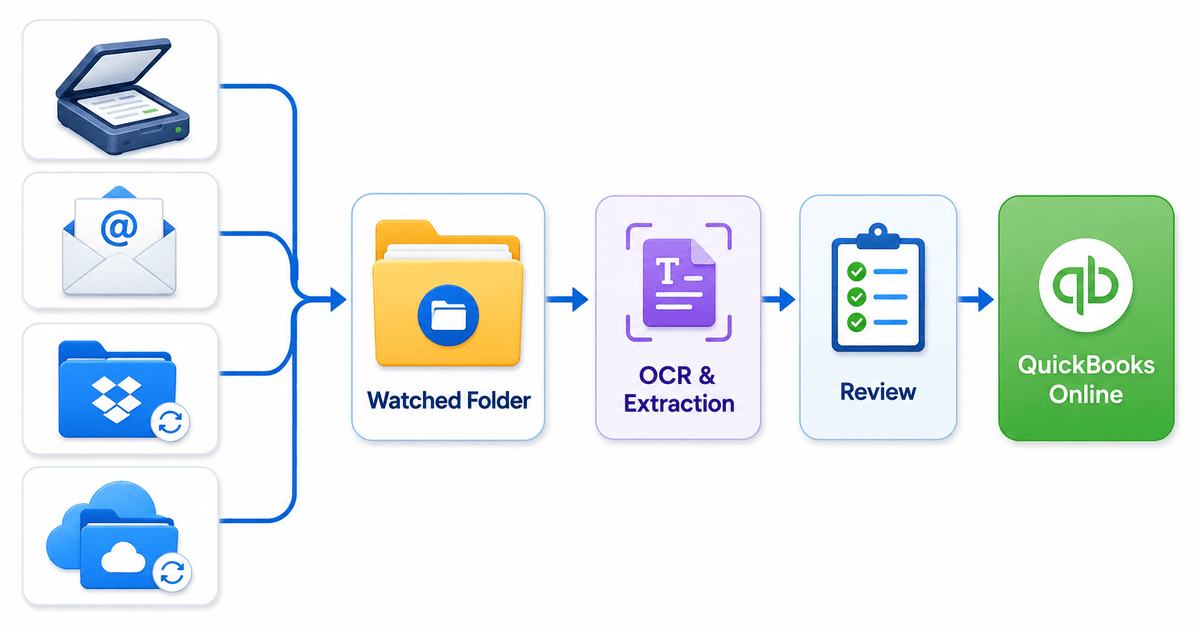
Automatically import invoices into your QuickBooks Online workflow with Scan2Invoice watched folders. Monitor scanner folders, downloads, Dropbox, OneDrive, or local folders for faster invoice capture.
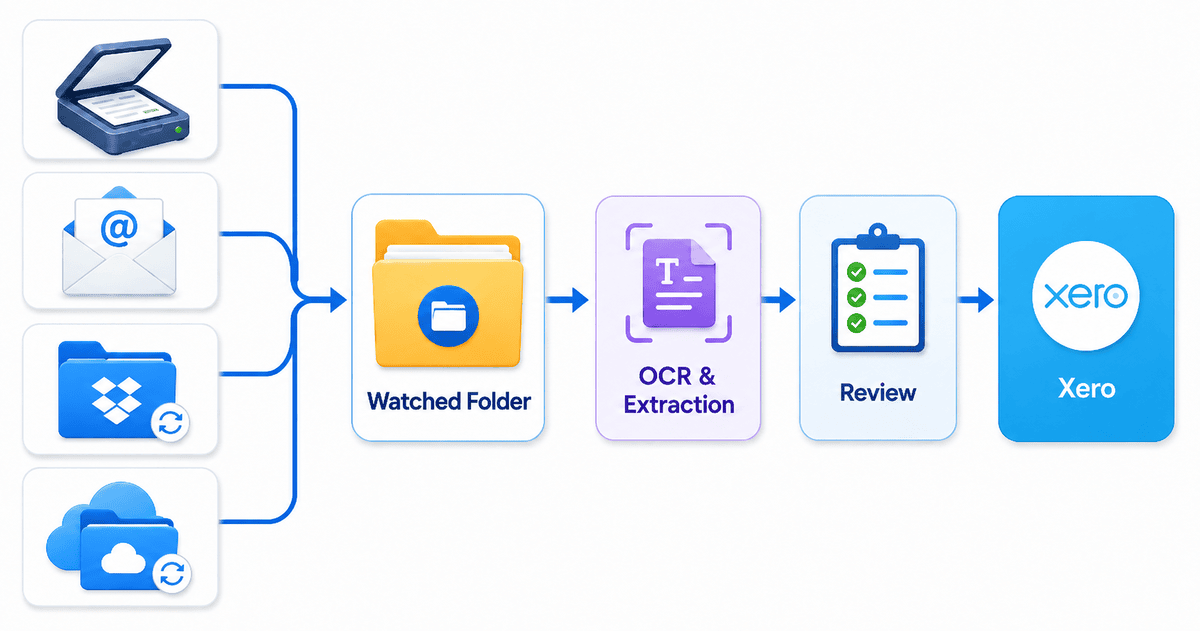
Use Scan2Invoice watched folders to capture supplier invoices from scanners, Dropbox, OneDrive, email attachments, and downloaded PDFs, then review and export them to Xero.
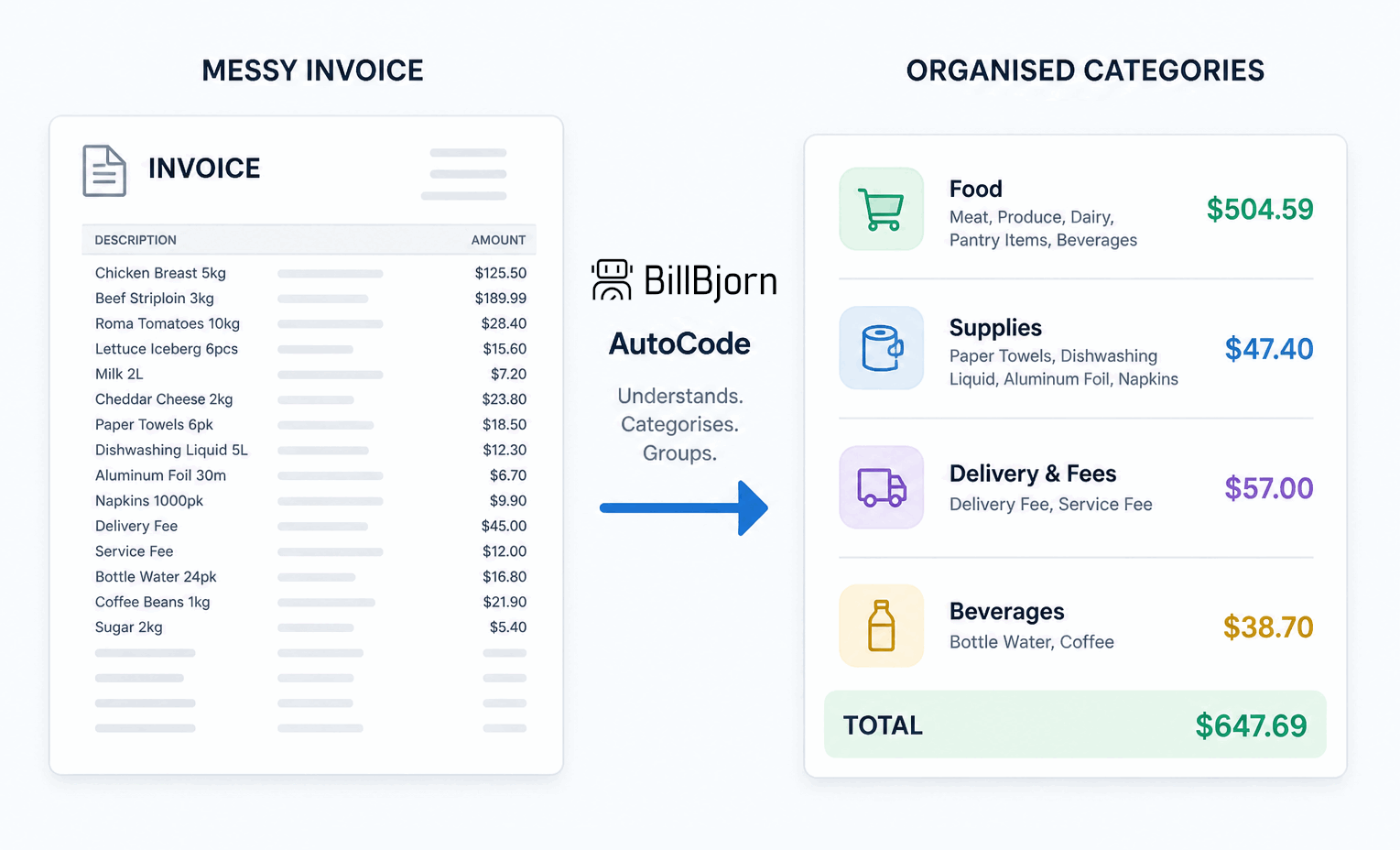
BillBjorn AutoCode uses AI Matching Hints to understand invoice context, create grouped accounting lines, and prepare review-ready allocations for Xero.
BillBjorn has been officially selected for the latest Xero Developer Growth Program cohort, marking another major milestone in our mission to automate bookkeeping and invoice processing for businesses worldwide.
Automatically split invoice lines and code them into the correct accounting categories using BillBjorn AutoCode. Save time, reduce errors, and handle complex invoices with ease.
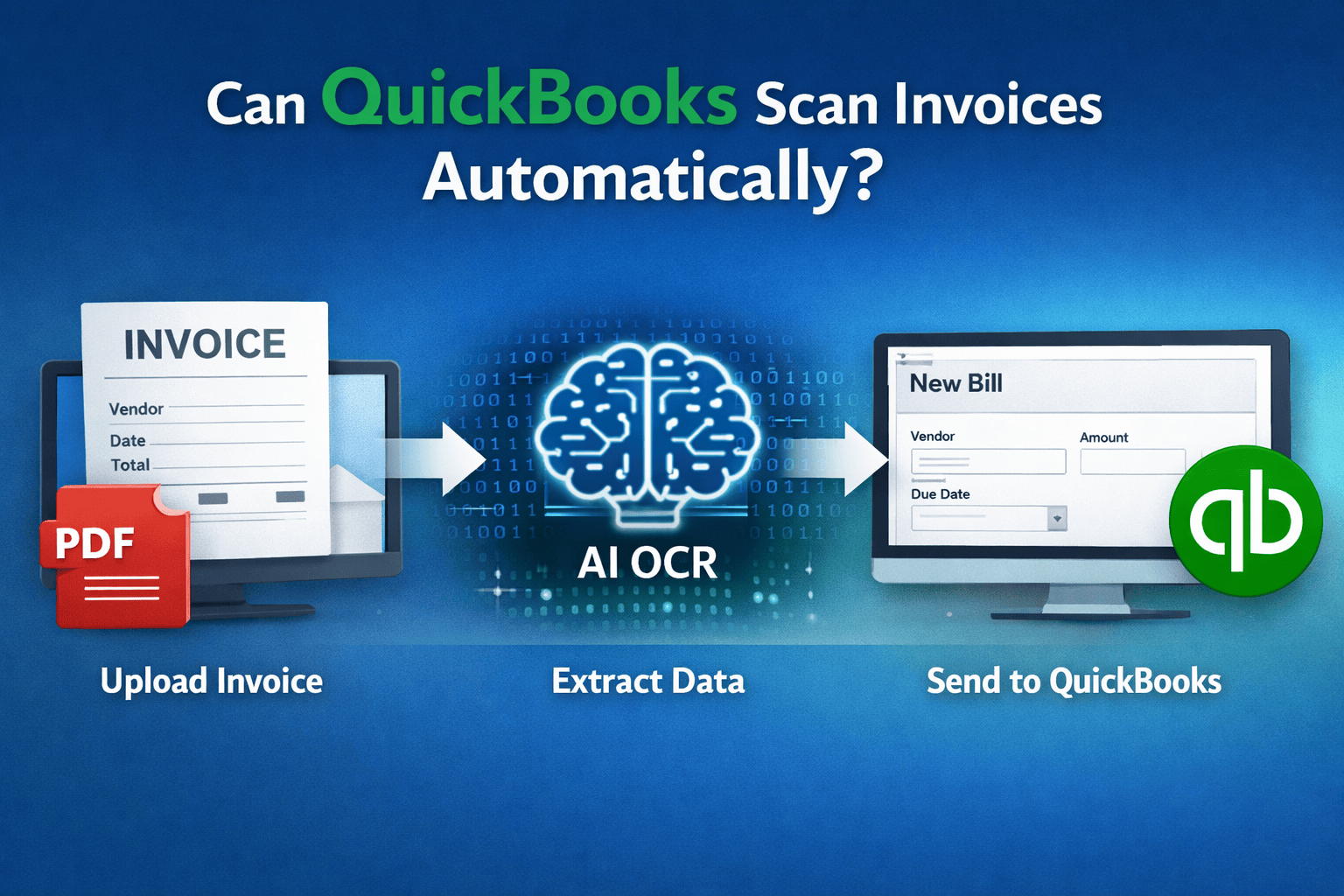
Learn whether QuickBooks Online can automatically scan invoices and extract data from PDFs. Discover how invoice OCR tools can automate bill entry and reduce manual bookkeeping work.
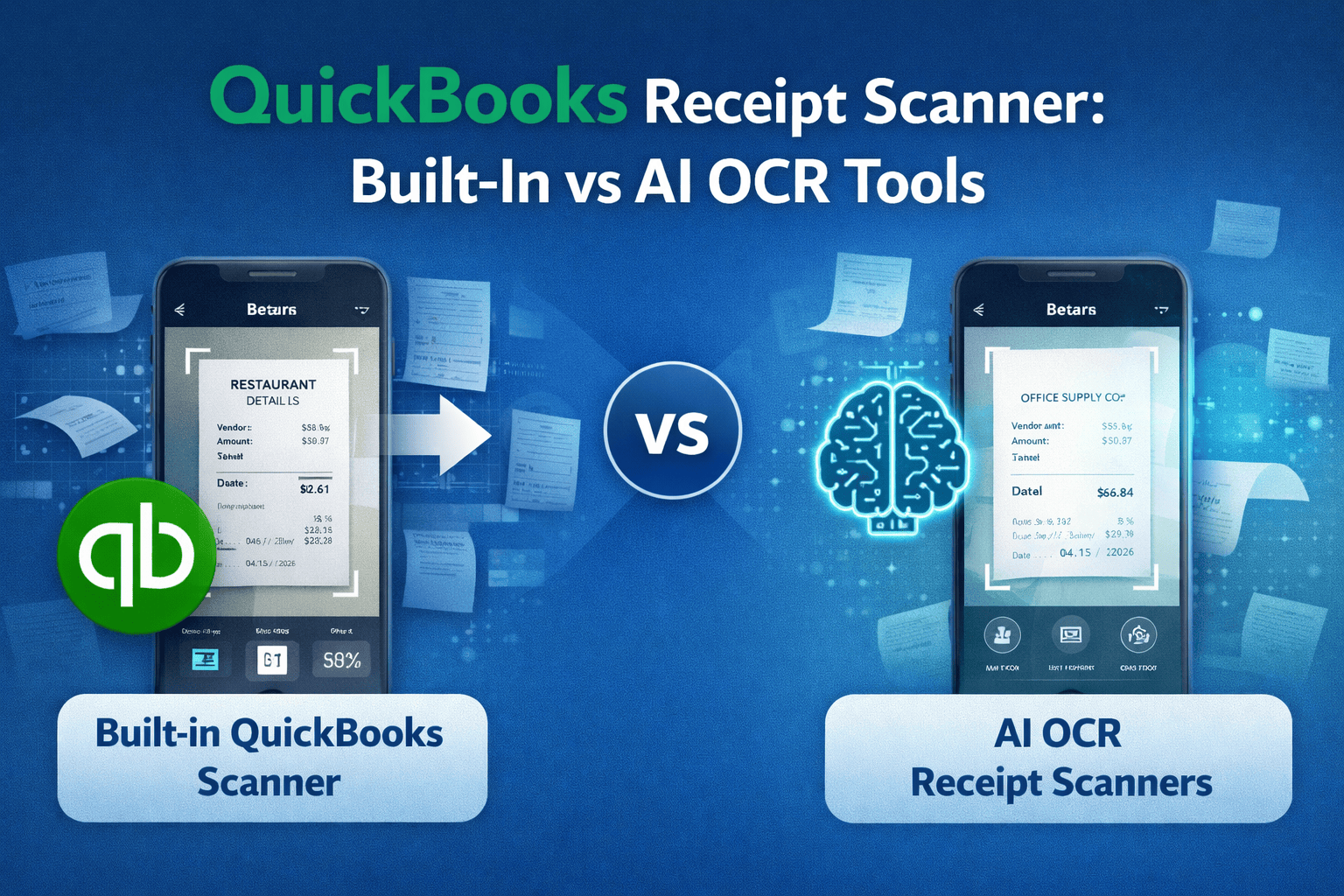
Compare the QuickBooks receipt scanner with modern AI OCR tools. Learn how small businesses can scan receipts, extract data automatically, and reduce manual bookkeeping work.
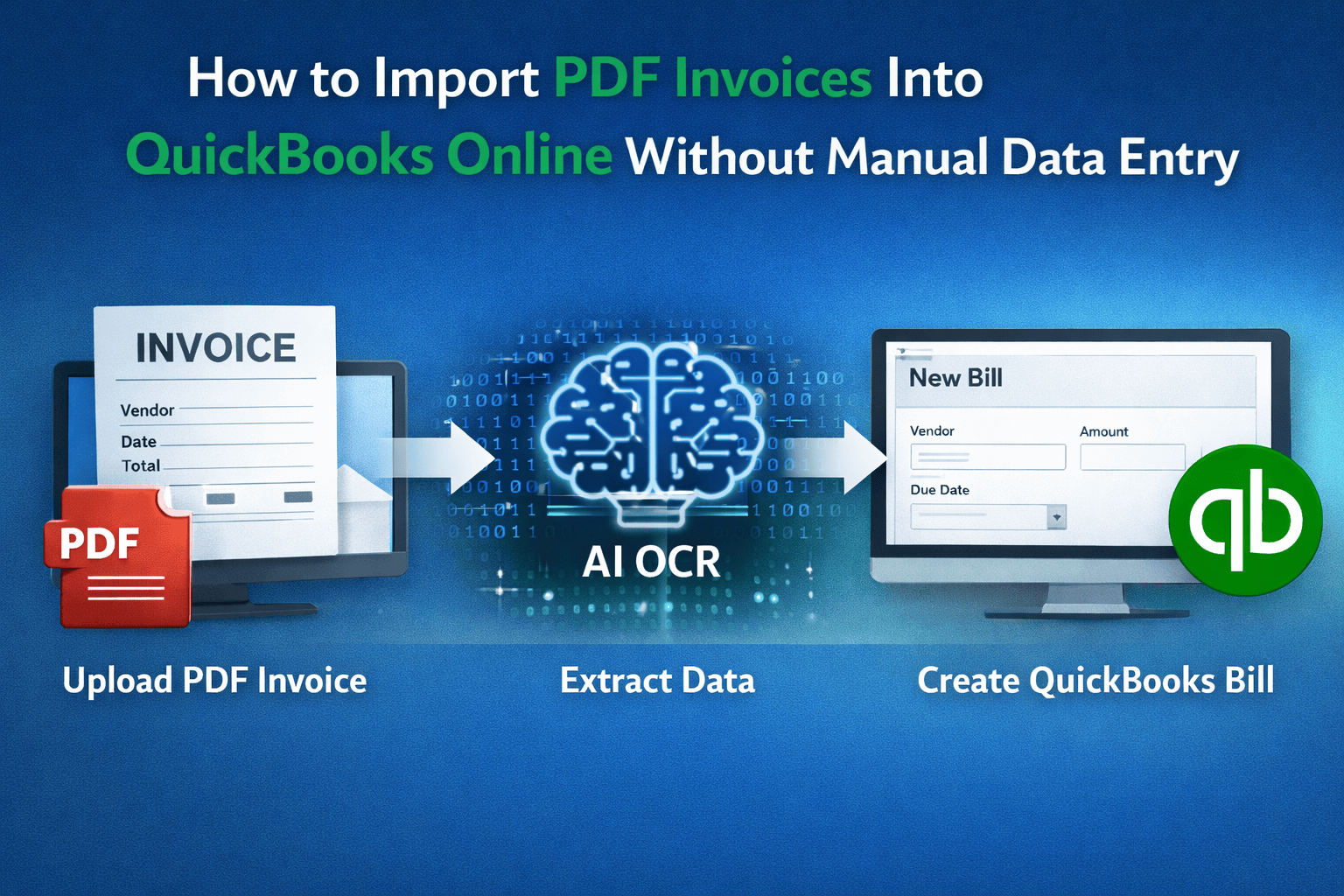
Learn how to import PDF invoices into QuickBooks Online without manual data entry. Discover how AI OCR tools can automatically extract invoice data and create bills in QuickBooks.
BillBjorn is proud to announce that it has been officially selected as a Finalist in the Xero Global App Awards 2025.
Learn how to simplify multicurrency in QuickBooks Online. Use BillBjorn to capture invoices, apply accurate exchange rates, and reconcile bills with ease.
Discover the most cost-effective invoice scanning software for small businesses. BillBjorn offers fast, reliable invoice OCR without the high price tag of competitors like Dext and AutoEntry.
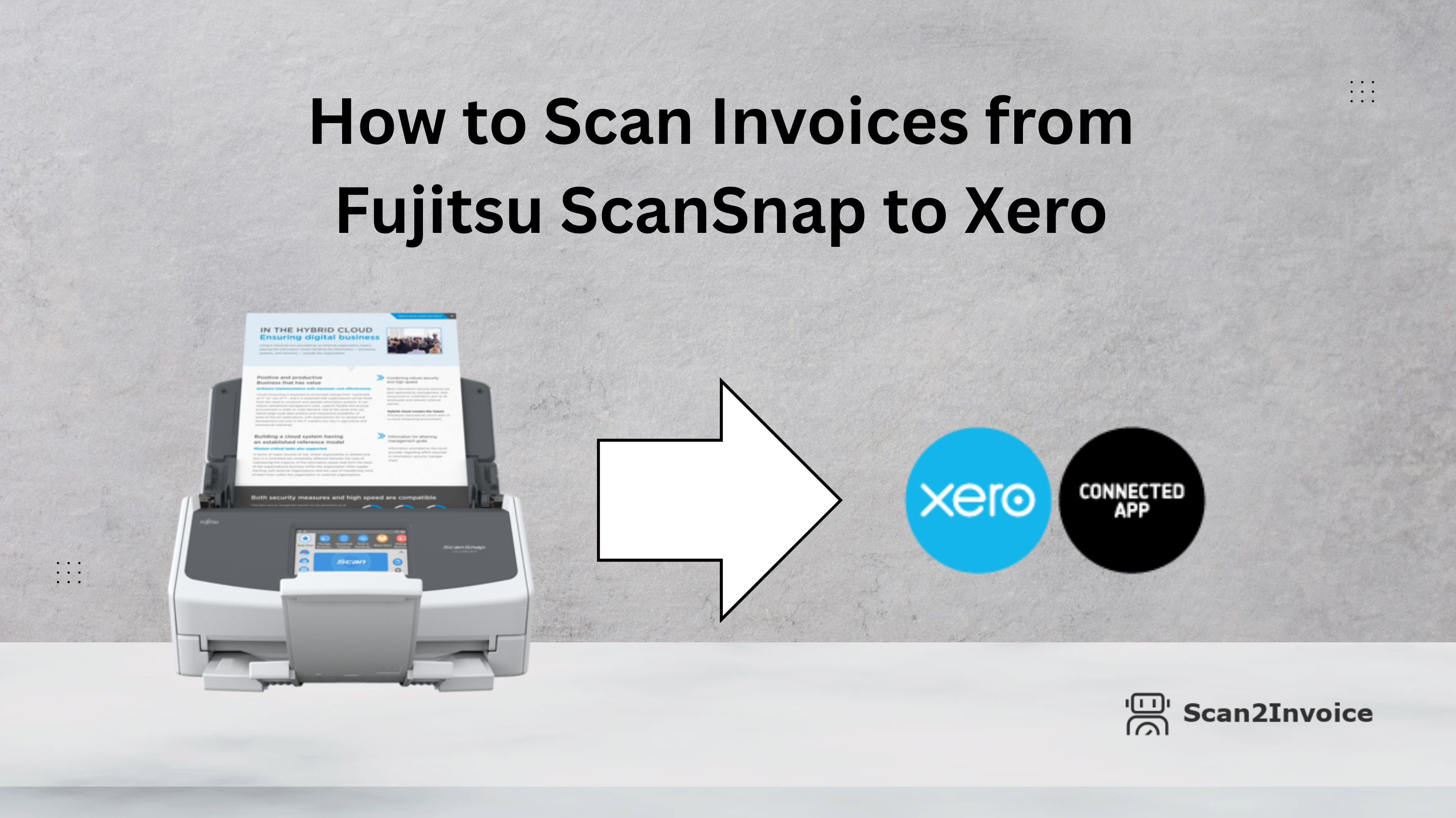
Discover how to simplify your invoice workflow by capturing multi-page invoices from your Fujitsu ScanSnap and sending them straight to Xero with Scan2Invoice. Efficient, hands-free, and built for audit readiness.
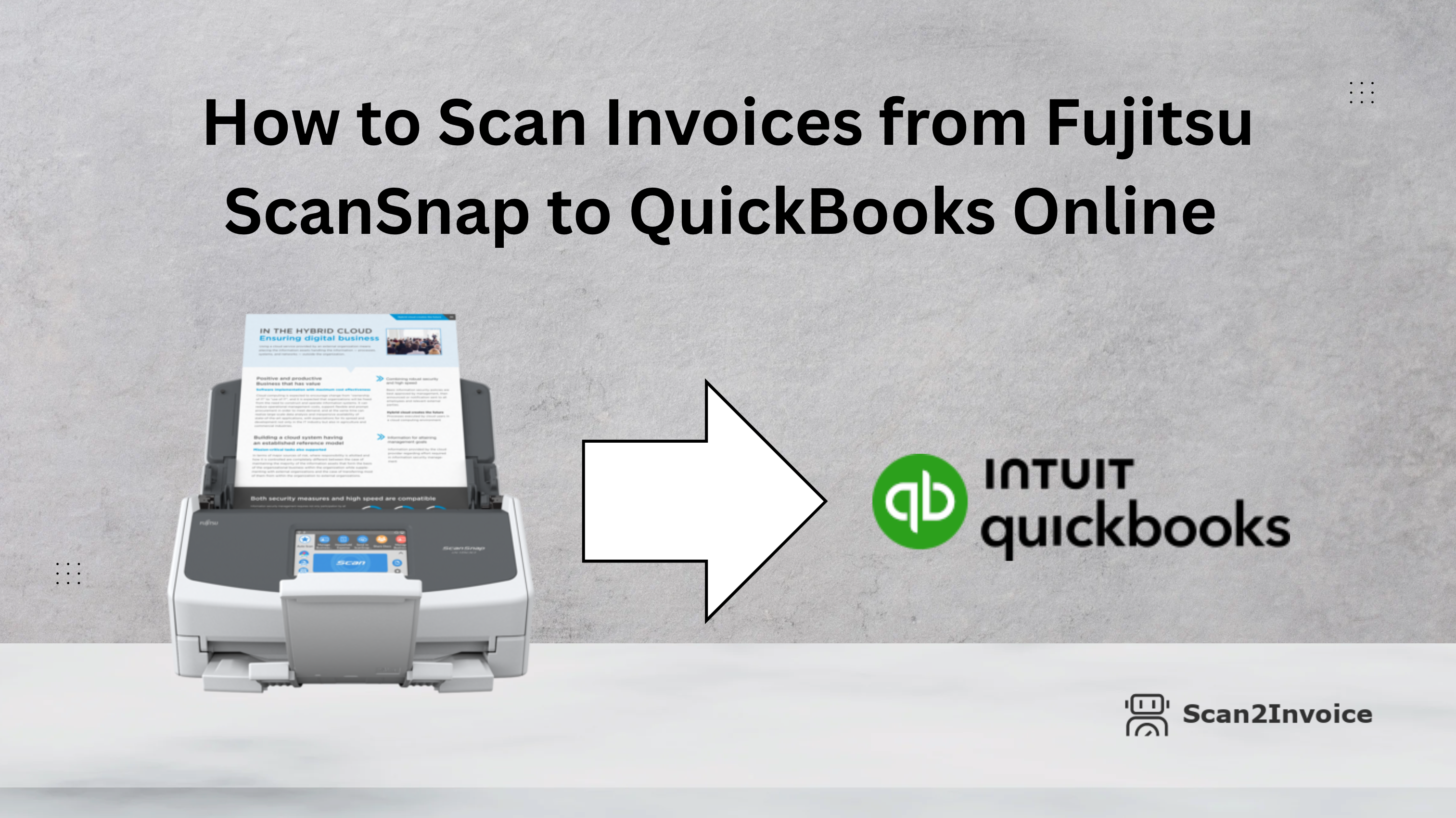
Learn how to streamline your invoice processing by scanning multi-page invoices from a Fujitsu ScanSnap scanner directly into QuickBooks Online using Scan2Invoice. Fast, automated, and audit-ready.
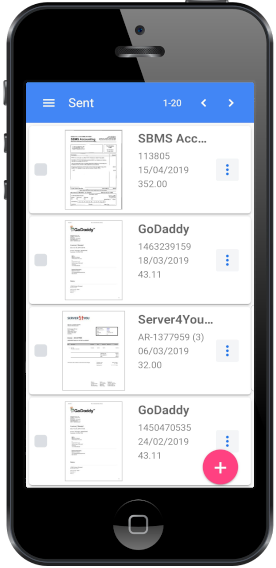
Looking for the best receipt app for small businesses? Discover why BillBjorn stands out with AI-powered scanning, seamless accounting integrations, and secure cloud storage.
Automated invoice processing helps businesses streamline financial workflows, reduce manual errors, and improve efficiency by leveraging AI, machine learning, and OCR technology. By enhancing accuracy, visibility, and vendor relationships while ensuring scalability, businesses can optimize cash flow and stay competitive in a fast-paced marketplace.
Invoice scanning software automates the tedious task of invoice management by using OCR technology to digitize and organize invoices with accuracy, reducing manual errors and improving efficiency. With seamless integration, customizable workflows, and enhanced security, businesses can save time, cut costs, and ensure compliance while streamlining their financial processes.