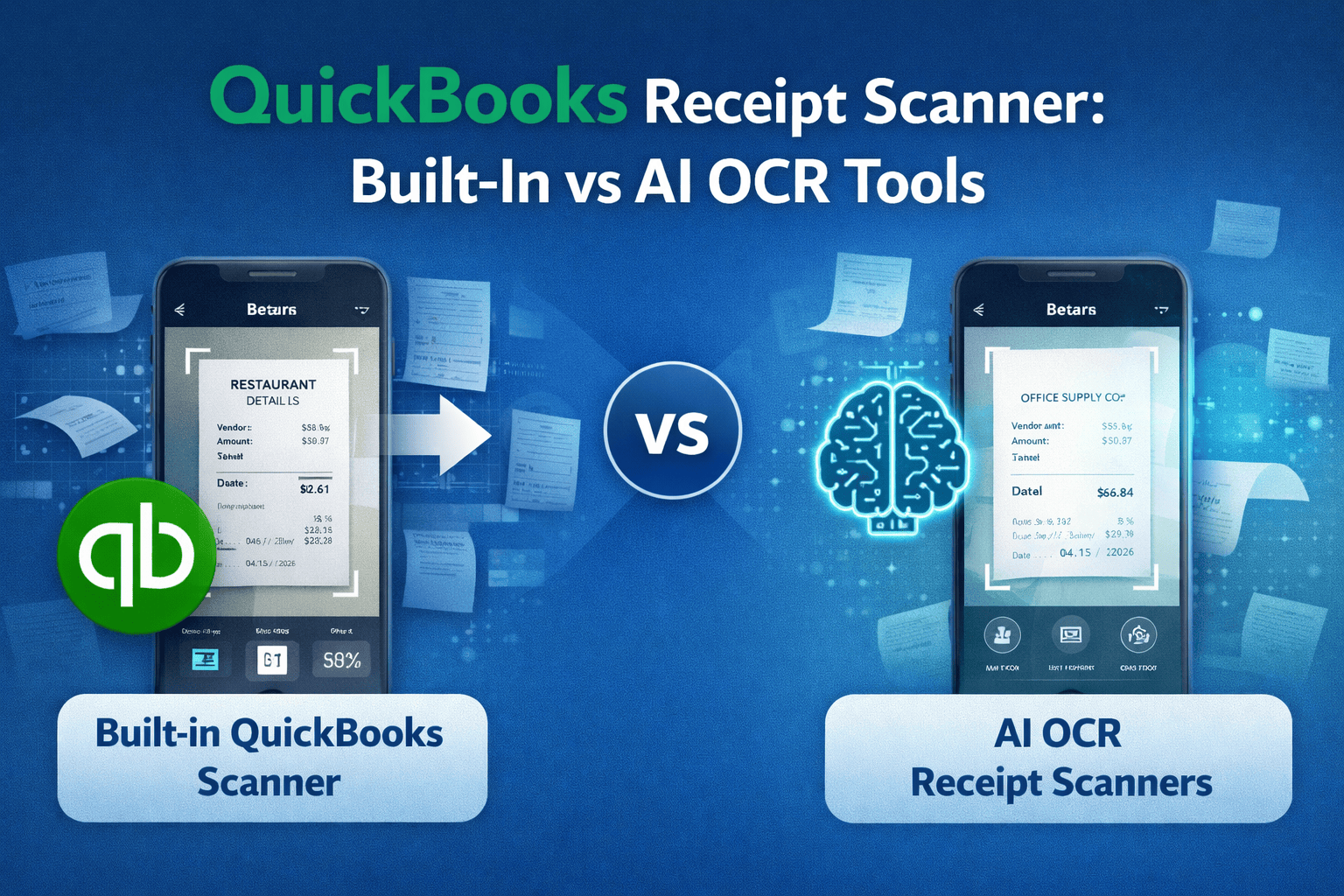
 Does QuickBooks Online have a receipt scanner?
QuickBooks Receipt Scanner: Built-In vs AI OCR Tools
Managing receipts is an important part of bookkeeping for small businesses. Many companies rely on QuickBooks Online to track expenses, but handling physical receipts and PDF documents can still require manual work.
This leads many business owners to ask:
Is the built-in QuickBooks receipt scanner enough, or should you use an AI OCR tool?
Understanding the differences can help you choose the most efficient way to manage receipts and automate your bookkeeping workflow.
How Receipt Scanning Works in QuickBooks
QuickBooks Online includes a feature called receipt capture, which allows users to upload receipts and attach them to transactions.
There are several ways to add receipts in QuickBooks:
- upload receipt images or PDFs manually
- forward receipts by email
- upload files from your mobile device
- attach receipts to expense transactions
Once uploaded, QuickBooks attempts to detect basic information such as:
- vendor name
- transaction date
- total amount
This helps simplify expense tracking and ensures that documentation is attached to transactions for accounting records.
For businesses with occasional receipts, this workflow can be sufficient.
However, companies that process large numbers of receipts may find the process still involves too much manual work.
Limitations of Built-In Receipt Capture
While QuickBooks receipt capture is helpful, it has several limitations that can slow down bookkeeping.
Limited data extraction
QuickBooks can sometimes detect basic receipt fields, but the accuracy varies depending on:
- receipt format
- image quality
- receipt complexity
This means users often need to review and correct extracted data manually.
Not designed for high volumes
Businesses that process dozens or hundreds of receipts each month may find the workflow inefficient. Each receipt still requires manual review before creating an expense transaction.
Difficulty with complex receipts
Receipts that include multiple line items, taxes, or unusual layouts may not be processed correctly.
Manual confirmation required
Even when QuickBooks extracts data correctly, users typically must verify the information before saving the transaction.
For many small businesses, this makes the receipt scanning workflow slower than expected.
What AI OCR Receipt Scanners Do Better
AI-powered OCR tools are designed specifically to automate document processing.
Instead of simply storing receipts, these tools extract structured data from the document automatically.
AI OCR scanners typically extract:
- vendor name
- receipt date
- subtotal and tax
- total amount
- currency
- sometimes line items
The system then sends the extracted information directly to accounting software.
A typical automated workflow looks like this:
upload receipt -> OCR extracts data -> expense created in QuickBooks
This removes most of the manual bookkeeping work.
AI OCR tools also improve:
- speed of data entry
- consistency of extracted data
- accuracy across different receipt formats
For businesses processing many receipts each month, this can save significant time.
Tools like BillBjorn focus on providing fast AI OCR extraction for receipts and invoices, allowing users to quickly send expense data into QuickBooks.
Comparing Popular Receipt Scanning Tools
There are several ways to scan receipts for QuickBooks users.
Built-in QuickBooks receipt capture
Pros:
- included with QuickBooks
- simple workflow
- no additional software required
Cons:
- limited automation
- manual verification required
- less reliable extraction for complex receipts
AI OCR receipt scanners
Pros:
- automatic data extraction
- faster processing
- more accurate across different receipt formats
- less manual bookkeeping work
Cons:
- requires using an additional tool
For businesses with frequent receipts, dedicated OCR tools often provide a more efficient workflow.
Choosing the Best Receipt Scanner for Small Businesses
The best solution depends on how many receipts your business processes.
If you only scan a few receipts occasionally, the built-in QuickBooks feature may be sufficient.
However, if your business handles many receipts every month, an AI OCR receipt scanner can significantly reduce bookkeeping time.
Small businesses typically benefit from tools that are:
- fast and easy to use
- accurate with different receipt formats
- designed to integrate directly with QuickBooks
Automating receipt processing allows business owners and bookkeepers to spend less time entering data and more time focusing on financial insights.
👉 Learn more at billbjorn.com

Frequently asked questions
Here are answers to common questions about QuickBooks Online. For more details, check our knowledge base.
Does QuickBooks Online have a receipt scanner?
Yes, QuickBooks Online includes a receipt capture feature that allows users to upload or photograph receipts and attach them to transactions. However, it is primarily designed for simple receipts and may require manual verification or data entry.
Can QuickBooks automatically extract receipt data?
QuickBooks can extract some basic receipt information such as date and total amount, but the accuracy can vary. Many businesses use AI OCR tools to extract receipt data more reliably and automatically send it to QuickBooks.
What is a receipt OCR scanner?
A receipt OCR scanner uses optical character recognition technology to read information from receipts and invoices. It extracts fields like vendor name, totals, taxes, and dates, allowing the data to be automatically entered into accounting software.
What is the difference between receipt capture and OCR tools?
Receipt capture typically refers to uploading images or documents into accounting software. OCR tools go further by automatically reading the receipt content and converting it into structured accounting data.
Can small businesses automate receipt entry in QuickBooks?
Yes. Small businesses often automate receipt entry by using OCR tools that scan receipts and automatically create expense transactions in QuickBooks, eliminating the need for manual data entry.
What is the fastest way to scan receipts into QuickBooks?
The fastest method is to use an AI OCR receipt scanner that extracts receipt data instantly and sends it to QuickBooks automatically. This reduces manual typing and speeds up bookkeeping workflows.